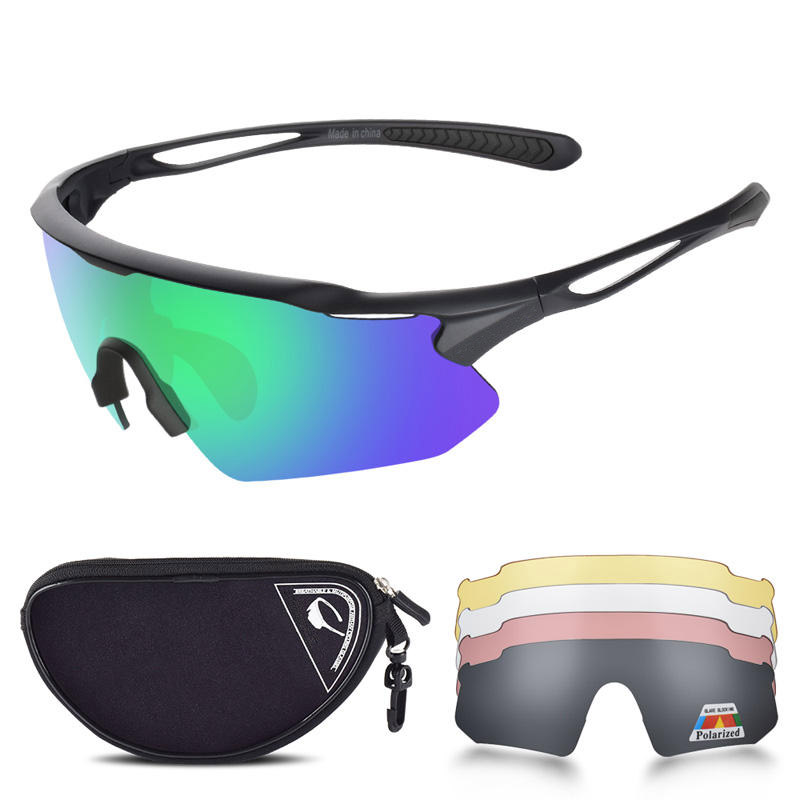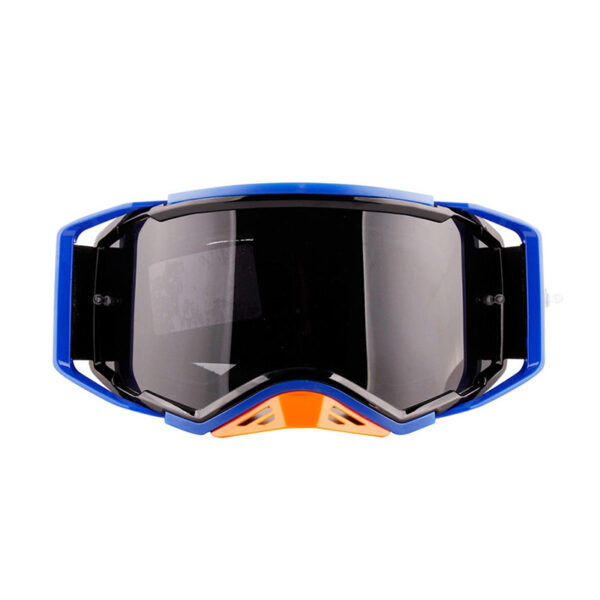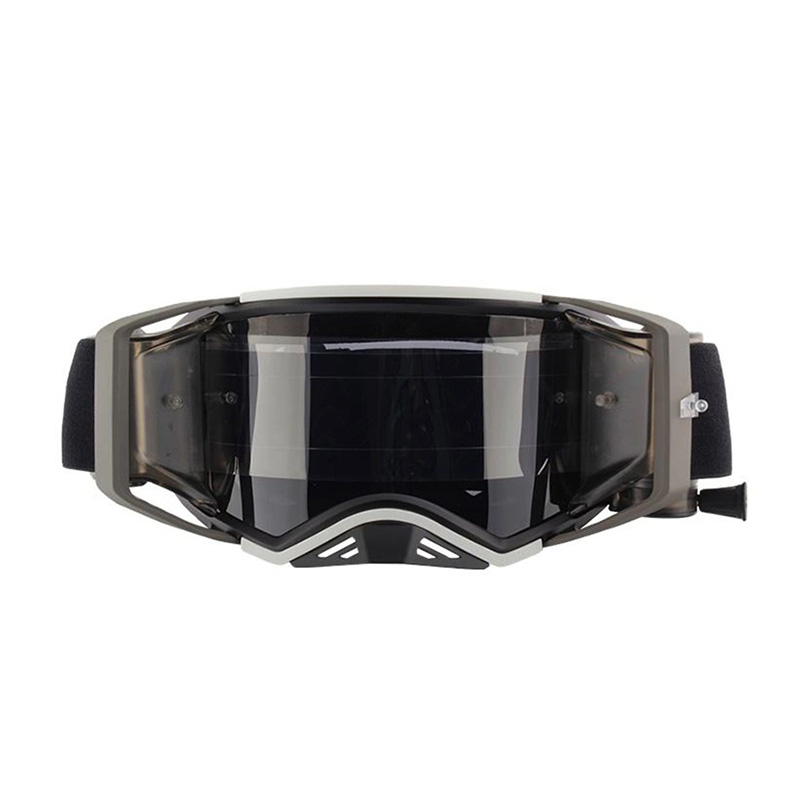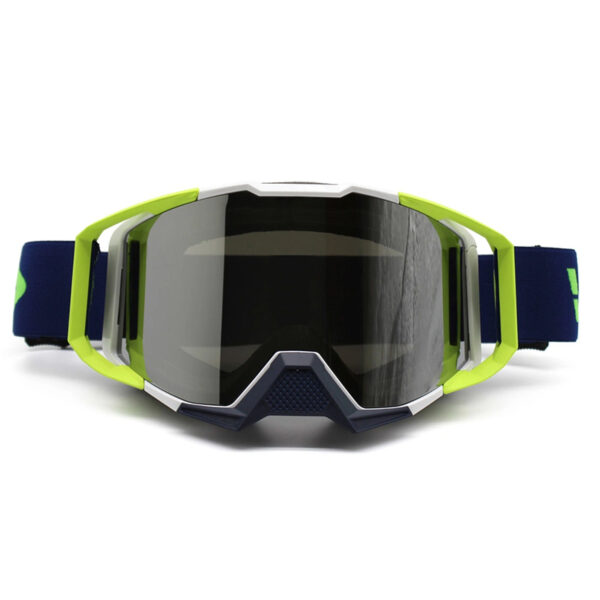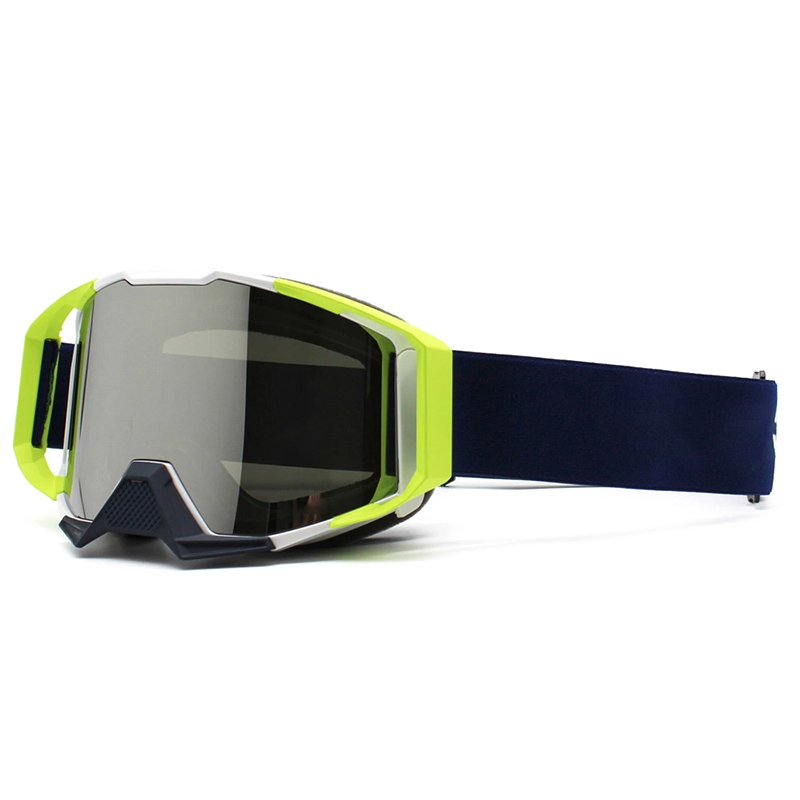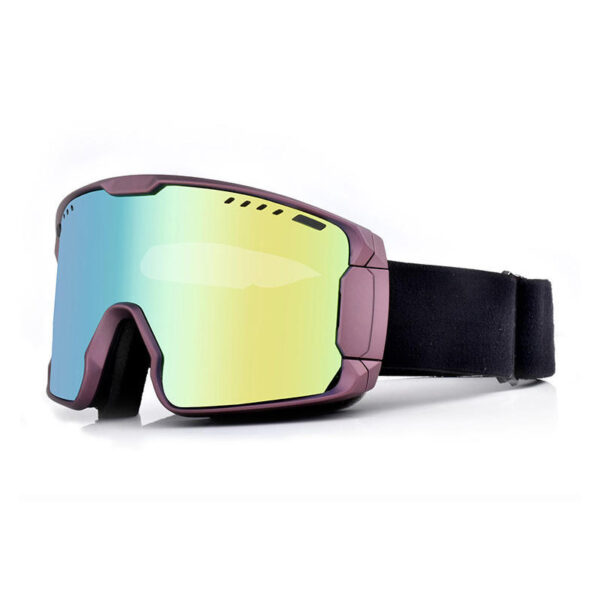
Ski goggles have traditionally had one job: protect your eyes and give you a clear view of the mountain. Smart ski goggles with a heads-up display (HUD) add another layer. They can put information such as speed, elevation, notifications, music controls, and group location within your field of view.
The idea sounds futuristic, but the real question is more practical: Are HUD ski goggles actually useful on the mountain?
Based on current smart-goggle technology and discussions from skiers and snowboarders, the answer depends heavily on how you ski. Some users value hands-free notifications and family tracking more than speed statistics. Others see additional information as a potential distraction. Real-world concerns such as battery life, GPS accuracy, visibility, comfort, and long-term software support also matter.
This guide explains what HUD ski goggles can do, their advantages and limitations, and what to look for before buying a pair.
Part 1. What Are Ski Goggles with HUD?
HUD ski goggles are smart goggles that display digital information while you ski or snowboard. Instead of taking out your phone, you can quickly check information such as:
- Speed and altitude
- GPS and trail information
- Time and battery status
- Notifications and calls
- Music controls
- Friend or family locations
However, HUD, GPS, and AR goggles are not the same. A basic HUD may only show speed or altitude, while GPS-enabled models can provide location data. AR goggles go further by overlaying digital information onto your view.
What Can You Do with HUD Ski Goggles?
The most useful features are often navigation, group tracking, and hands-free convenience, rather than simply displaying more data.
1. Check Speed and Elevation
View speed, altitude, and other basic metrics without taking out your phone. However, more data does not always mean a better skiing experience.
2. Find Friends and Family
Some smart goggles can show the location, distance, or direction of other group members. This is particularly useful for families, couples, and large groups.
3. Reduce Phone Use
Notifications, calls, and music controls can be accessed through the goggles, making them more convenient when wearing gloves.
4. Navigate the Mountain
Depending on the model, you may be able to view your location, trails, lifts, resort maps, or directions to friends.
For backcountry skiing, smart navigation can be useful, but it should supplement rather than replace proper navigation and safety equipment.
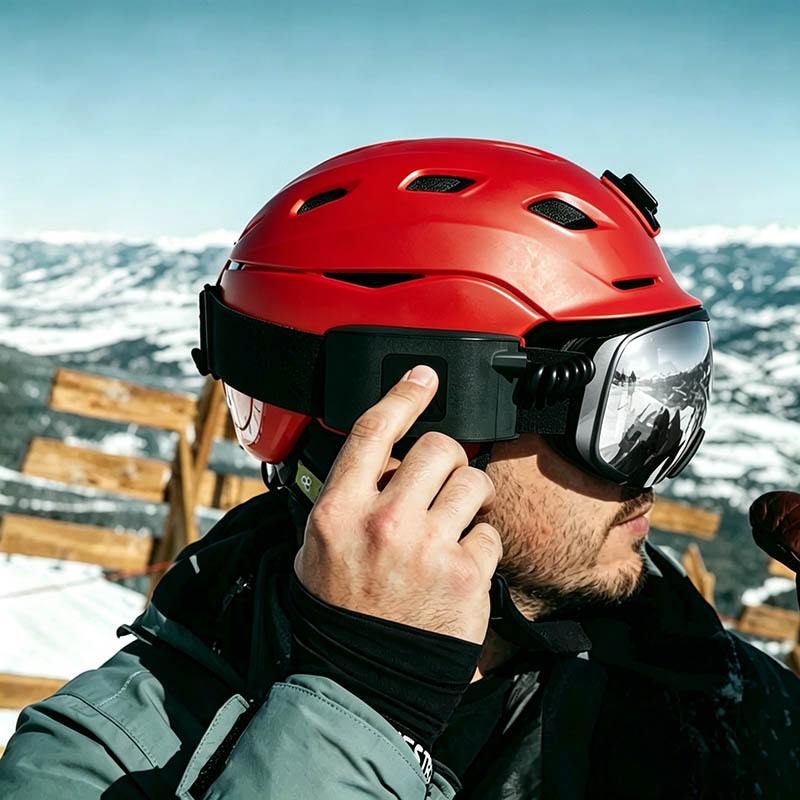
Part 2. HUD Ski Goggles vs. Regular Ski Goggles: Which Should You Choose?
The simplest way to decide is to separate essential goggle performance from smart features.
| Feature | Regular Ski Goggles | HUD Ski Goggles |
| Eye protection | ✓ | ✓ |
| UV protection | ✓ | ✓ |
| Anti-fog | ✓ | ✓ |
| Wide field of view | ✓ | ✓ |
| Interchangeable lenses | Often | Depends on model |
| Speed data | Usually no | Often |
| GPS/location | Usually no | Some models |
| Buddy tracking | No | Some models |
| Phone notifications | No | Some models |
| Music controls | No | Some models |
| Navigation | Usually no | Some models |
| Battery required | No | Usually |
| Smartphone required | No | Often |
| Price | Wider range | Usually premium |
The important takeaway is that HUD does not automatically mean better goggles.
A $100 conventional goggle with excellent optics may be a better choice for one skier than a $400 smart goggle with mediocre comfort.
On the other hand, someone who skis with children every weekend may consider buddy tracking and hands-free notifications worth paying for.
The right question is therefore not: “Are HUD ski goggles better?” It is:“Will the smart features solve a problem I actually have when skiing?”
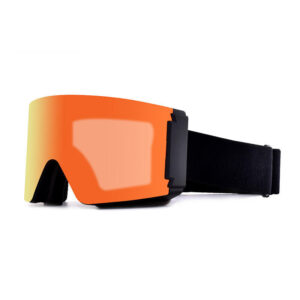
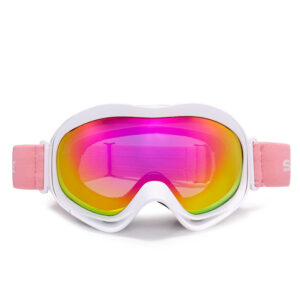
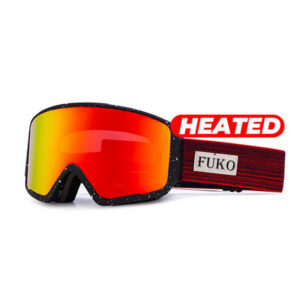
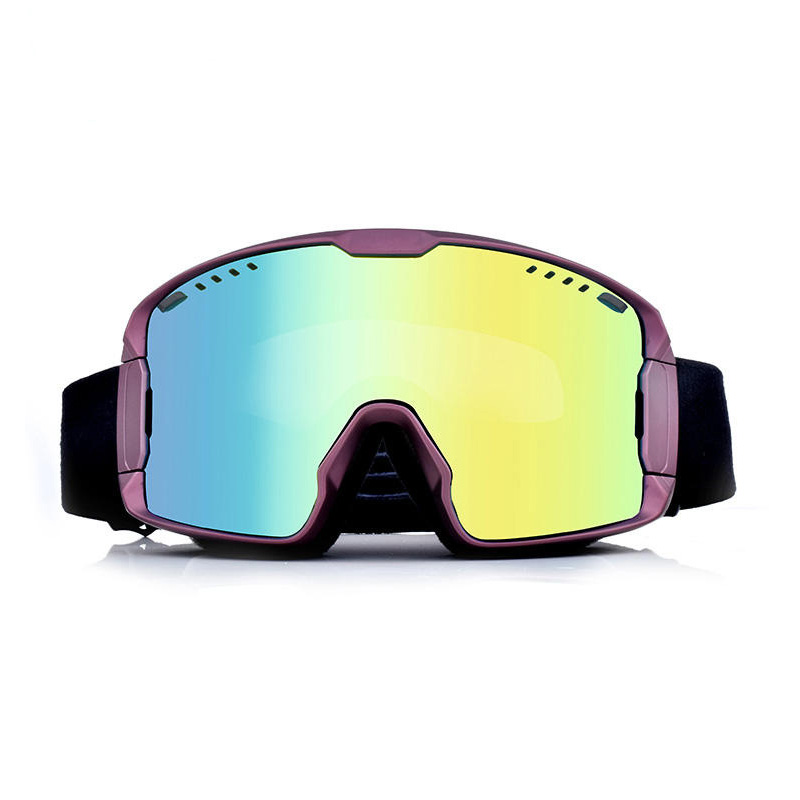
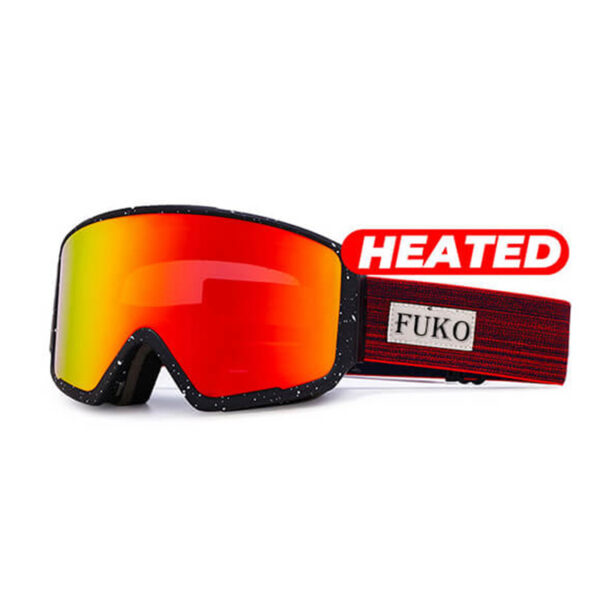
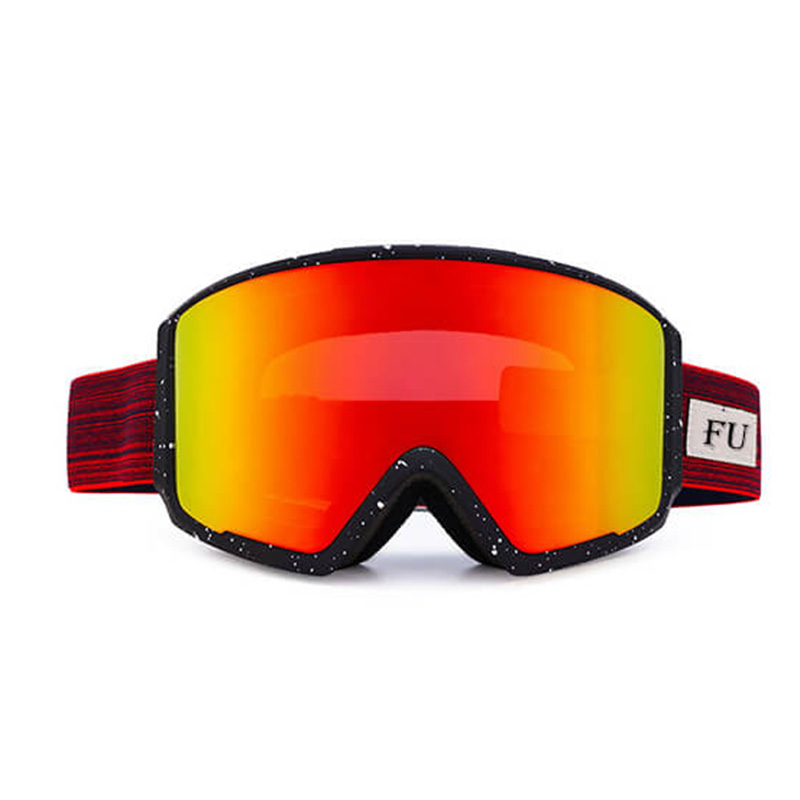
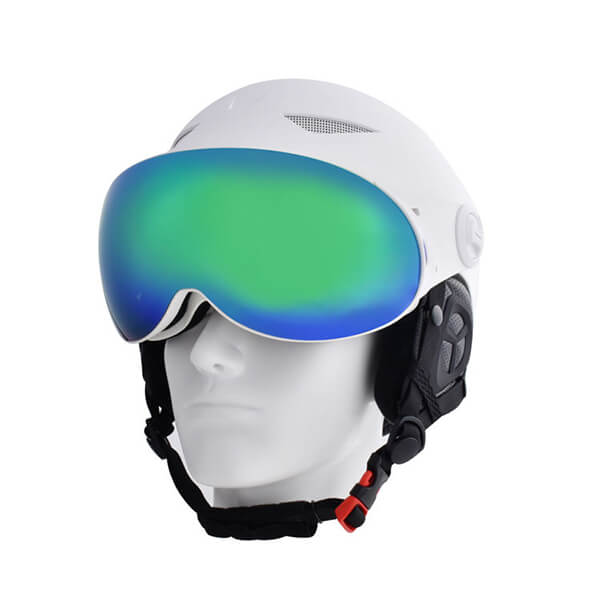
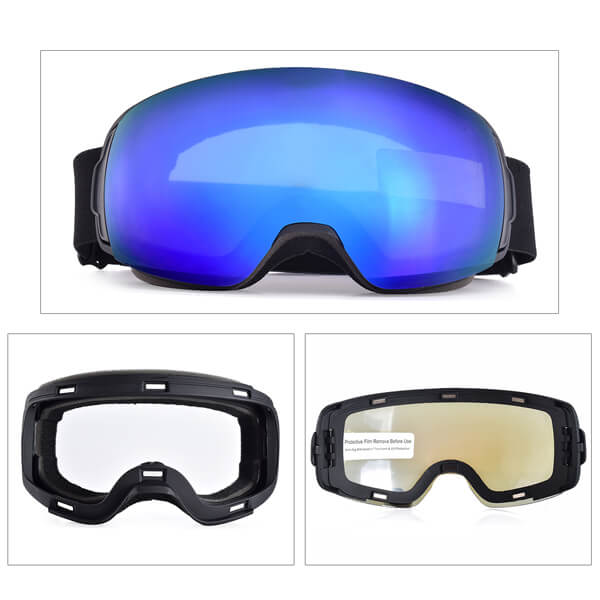
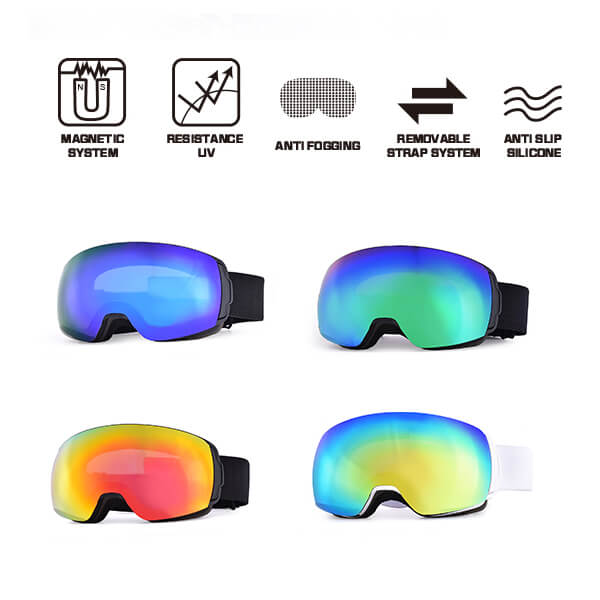
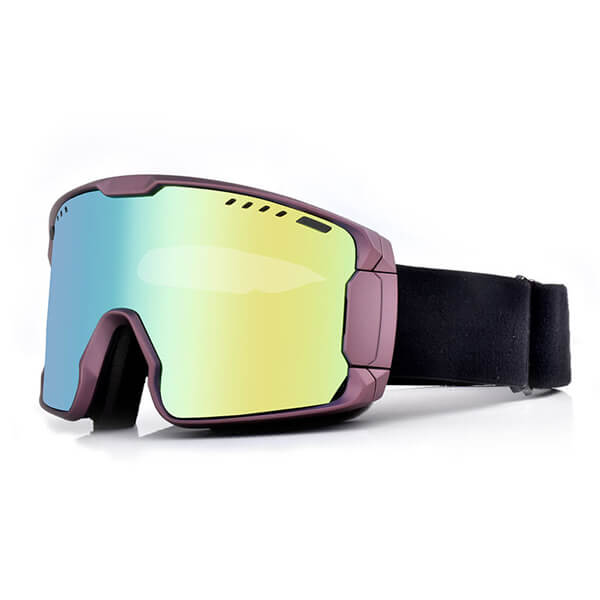
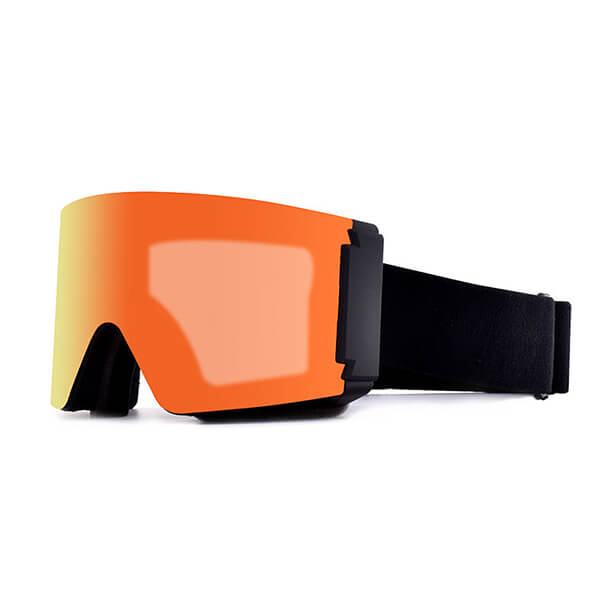
Tip: Not every skier needs a smart goggle. For brands, retailers, or buyers looking for customizable ski eyewear, FukoSports offers ski goggles with options such as magnetic lenses, ventilation, and different lens configurations. This can be a practical alternative when optical performance, comfort, and customization matter more than built-in electronics.
Part 3. Are HUD Ski Goggles Worth It?
For most skiers, HUD goggles are a premium convenience rather than an essential piece of equipment. Their value depends on whether the smart features solve real problems on the mountain.
Before paying extra for a HUD, make sure the goggles first deliver the basics:
- Clear optics and a wide field of view
- Reliable anti-fog performance
- Suitable VLT and UV protection
- Comfortable, secure fit
- Good helmet compatibility
If you regularly use navigation, buddy tracking, hands-free notifications, or phone connectivity, a HUD can be worth the upgrade. If your priority is simply clear vision and reliable performance, traditional ski goggles may offer better value.
5 Ski Goggles with HUD
The market for true HUD ski goggles is still relatively small. Some early models have been discontinued, so availability and software support are important considerations.
| Model | Best For | Key Features | Status |
| REKKIE 2026 | Best overall | HUD, speed, elevation, friend tracking, notifications, music, 15+ hr battery | Current |
| RideOn AR | Best for AR | AR navigation and virtual information | Limited |
| Oakley Airwave | Historic benchmark | Speed, altitude, maps, buddy tracking | Discontinued |
| Smith I/O Recon | Early HUD technology | Recon HUD, GPS and performance data | Discontinued |
| Zeal Z3 Recon | Early HUD pioneer | GPS and digital performance data | Discontinued |
Who Can Benefit Most from HUD Ski Goggles?
- Families and groups: Buddy tracking can make it easier to locate children, friends, or partners on large resorts.
- Frequent skiers: The convenience of hands-free information becomes more valuable with regular use.
- Tech enthusiasts: HUD goggles can complement GPS apps, ski trackers, smartphones, and other connected devices.
- Skiers exploring unfamiliar resorts: Navigation and location features can help when learning a new mountain.
Who May Not Need Them?
- Occasional skiers may not get enough use to justify the higher price.
- Minimalist skiers may prefer a distraction-free experience without electronics.
- Performance-focused skiers may benefit more from investing in better optics, lenses, ventilation, and a lighter goggle.
Part 4. Reflections on HUD Goggles: A Tech Enthusiast’s Rational Examination
After weighing the debates around ski HUD goggles, I’ve landed on a pragmatic view: I see their appeal but recognize their risks. I’ll stay curious but cautious.
What attracts me is the joy of tracking progress in real time. Speed, altitude, and slope angle turn snowboarding into a quantifiable challenge, much like watching weights increase at the gym. It’s motivating and fun.
That said, the safety concerns are valid. Snowboarding demands 100% focus—any distraction, even a quick glance at a display, can be dangerous. And the speed data itself is less useful than it seems: snow conditions, temperature, and rider weight all matter more than a GPS number. Over-relying on a HUD creates a false sense of security.
My take: I won’t buy one now, but I won’t write them off forever.
If I ever do, I’ll follow strict rules:
- Display in peripheral view only.
- Show just 1–2 stats, no notifications.
- Use only on familiar, easy terrain.
- Always trust my instincts over the screen.
For now, I’ll stick to apps and smartwatches for post-run stats. The mountain deserves my full attention—not a display in my face.
Part 5. FAQs About HUD Ski Goggles
Q1: Are HUD ski goggles safe?
They can be, but the design and the way you use them matter. The HUD should require only brief glances and should not significantly obstruct your vision. Avoid constantly looking at data while skiing, particularly in crowded or challenging terrain.
The safest approach is to treat the display as supplementary information rather than something that demands your attention.
Q2: Do HUD ski goggles show GPS or trail maps?
Some do, but not all. A HUD may provide GPS-derived information such as location, direction, or distance, while more advanced systems may connect to an app with trail maps. Always check the specific model’s navigation features rather than assuming that “GPS” means full trail navigation.
Q3: Can HUD ski goggles track friends and family?
Some smart goggles can. Depending on the system, you may be able to see the direction and distance to other users, while a companion app provides a map view. This can be especially useful for families and groups. Current systems such as REKKIE specifically offer friend-location features through their HUD and app.
Q4: Do HUD ski goggles work without a phone?
It depends on the product. Many connected goggles require an iPhone or Android companion app for pairing and certain features. Some systems may continue to provide basic information without a phone, while others depend heavily on the app.
Always check which functions are available offline before buying.
Q5: How long does the battery last on HUD ski goggles?
Battery life varies significantly by model and usage. GPS, Bluetooth, notifications, and display use can affect runtime. Check independent testing as well as manufacturer specifications, and consider whether the goggles can still be used normally when the battery is depleted.
Q6: Are HUD ski goggles worth it for beginners?
Usually, they are not a priority for beginners. New skiers generally benefit more from a comfortable fit, good visibility, anti-fog performance, and an appropriate lens. Once you are comfortable on the mountain, features such as navigation, group tracking, and hands-free controls may become more useful.
Conclusion
HUD ski goggles bring useful technology to the mountain, but they are not automatically better than regular ski goggles. Their biggest advantages are hands-free information, navigation, buddy tracking, and reduced phone use.
For families, frequent skiers, and tech enthusiasts, these features can be worth the premium. For occasional or minimalist skiers, a conventional goggle may offer better value.
Whatever you choose, optical clarity, field of view, anti-fog performance, lens quality, comfort, and fit should come first. The best ski goggles are not the ones with the most features, but the ones that provide what you need while keeping your attention on the mountain.